
Windows
Windows 10 1809+ / 11 · x64
v0.3.0
Download
QCopilots SearchDesktop app
QCopilots Search helps you find things in the documents, photos, recordings and videos on your computer. Describe what you remember, in Chinese or English, and go straight to the right page, passage or moment.
Features
Type “a library notice about opening hours” and find it, even if the file is called scan_0042.pdf.
Describe it in one language and find content written in the other.
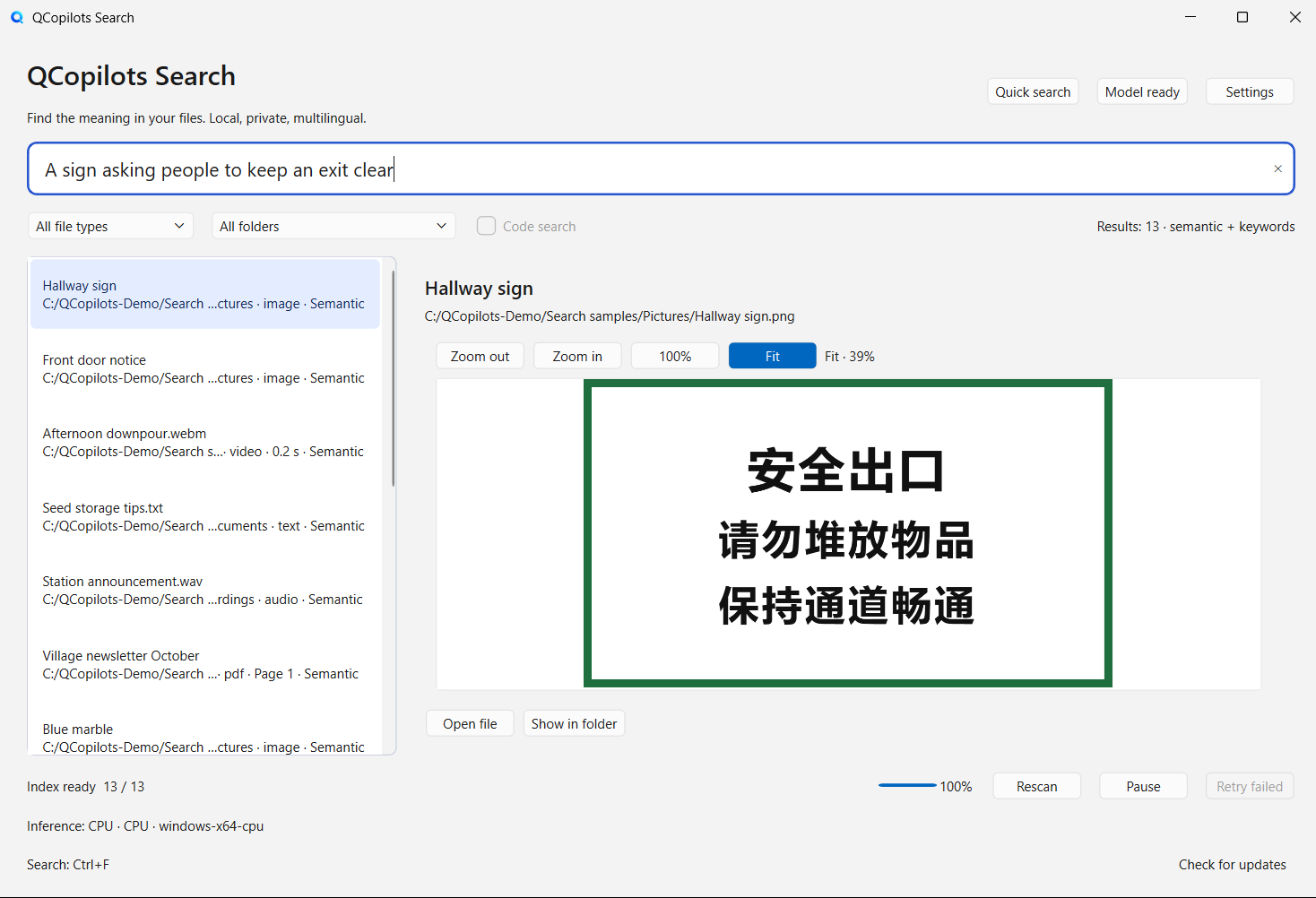
Words in photos, screenshots and scanned PDFs become searchable, in English and Simplified or Traditional Chinese.
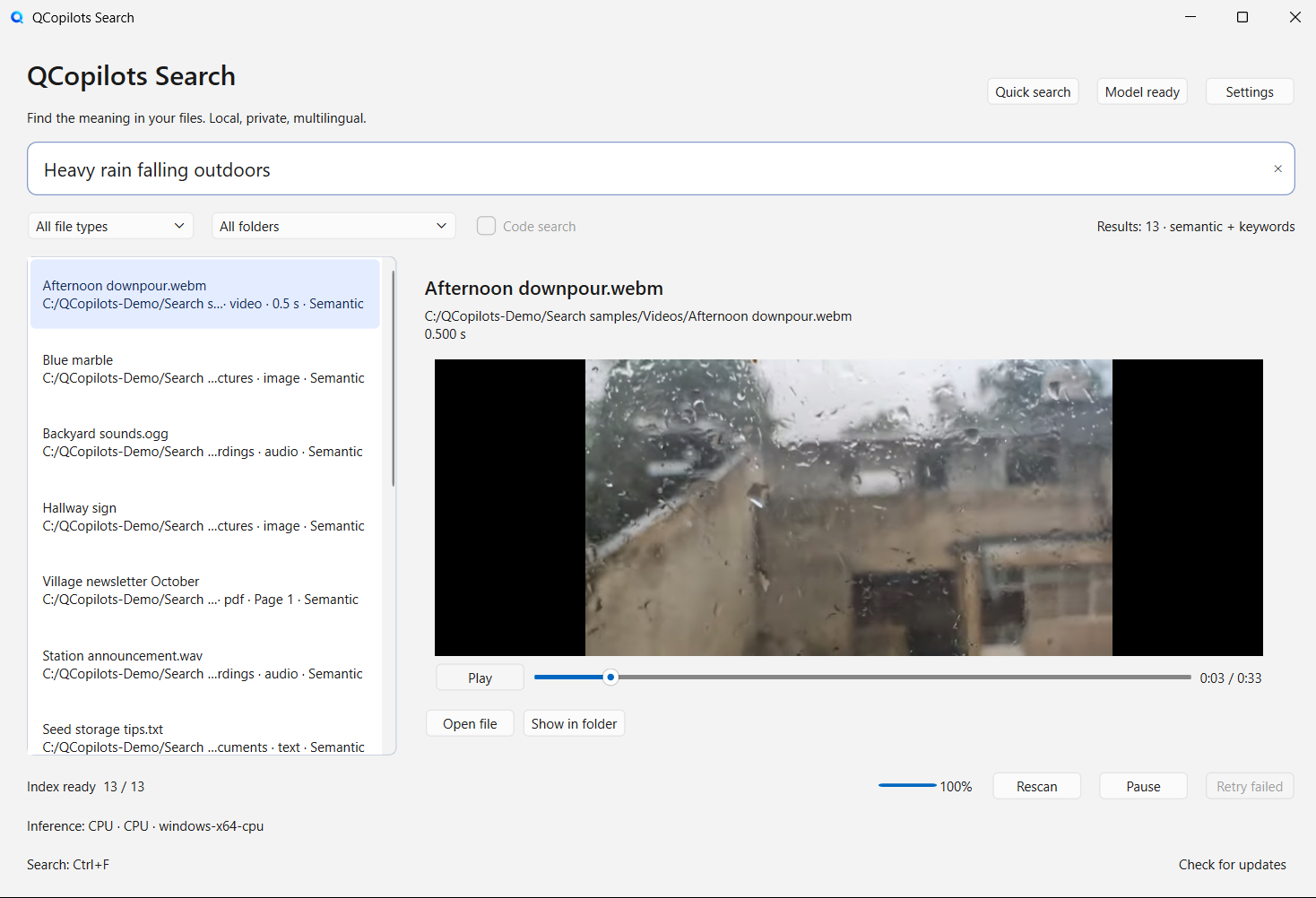
Find a dog barking in a recording or heavy rain in a video, then play from that moment.
Preview the matching passage or PDF page, or play from the matching moment, before you open anything.
Reading, indexing and AI matching all happen on your machine. Your files are never uploaded.
Examples
These sample queries, in Chinese and English, come from the app’s automated tests. Each one is shown with what it finds.
You say
Instructions for storing garden seeds
It does: A plain text note, found by meaning
You say
A library notice about opening hours
It does: The right page of a PDF
You say
A sign asking people to keep an exit clear
It does: An image of a Chinese sign, read with text recognition
You say
The Earth seen from space
It does: A photo, found by what it shows
You say
A dog barking
It does: The part of a recording where a dog barks
You say
Heavy rain falling outdoors
It does: The scene in a video
A real run
Real screenshotsWe downloaded the public 0.3.0 Windows build and prepared two sample folders, one per language, each holding 13 files: documents, pictures, recordings and a video. Then we searched the way people remember things, once with the Chinese interface and once with the English one.
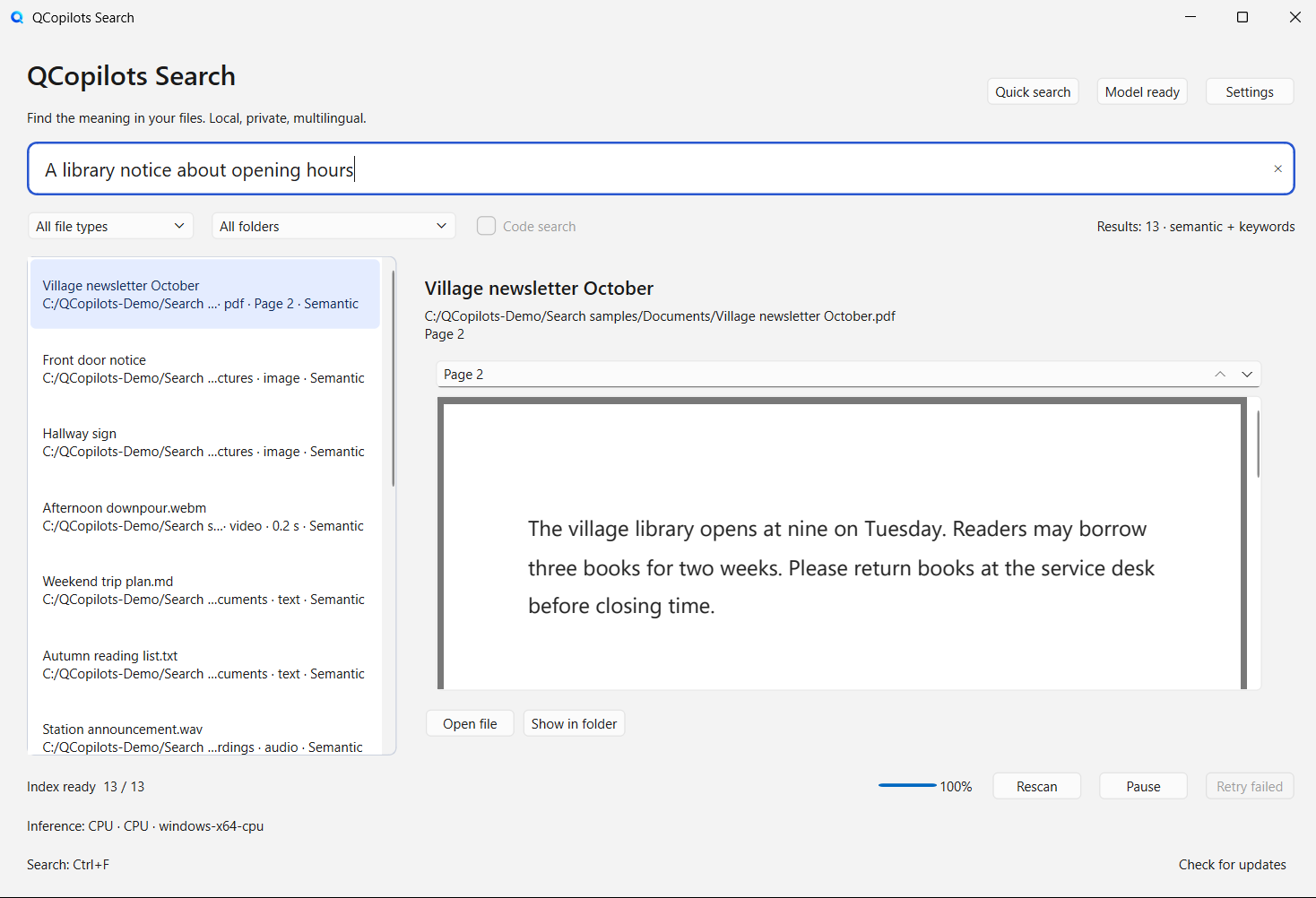
A library notice about opening hours
A sign asking people to keep an exit clear
Heavy rain falling outdoors
The sample files were made for this test or come from the app’s own test material (public domain or free licenses). The model ran on the test computer’s CPU. We turned off the update check for the test, so the only network use was the one-time model download. Screenshots are shown at full resolution, unedited.
Spreadsheets and slide decks are not supported yet. Audio is matched by sound and is not transcribed.
How it works
Pick the folders to search. Everything else stays out of the index.
It builds its index in the background, and keyword search works without a model. Download the model once (under 1 GB), or import it offline, to search by meaning.
Write what you remember and the preview opens at the matching page, passage or moment. Press Ctrl+Shift+Space from any app for quick search (Control+Shift+Space on a Mac too).
Privacy
Once its model is in place, QCopilots Search works fully offline.
Reading, text recognition, indexing and AI matching all run locally.
The one-time model download, and an update check you can turn off.
Removing a folder from the index never deletes anything in it.
It shows you your own files. It never writes answers or makes things up.
No. It searches only the folders you choose on your own computer. It is not a web search engine or a chatbot.
Documents (PDF, Word, ODT, RTF, HTML, Markdown and plain text), photos including HEIC and camera RAW, audio, video, and code once you turn it on in Settings. Spreadsheets and slide decks are not supported yet.
Not word for word. Audio is matched by its sound in 30-second windows, so “a dog barking” works, but speech is not transcribed.
The built-in preview goes to the matching page, passage or moment. The system’s default app only opens the file. Choose an app such as SumatraPDF, Skim, Okular or mpv in Settings to land on the same spot there.
No. Every version runs on the CPU. With a supported graphics card and the matching download, indexing can use the card to go faster.
The macOS version is not notarized by Apple yet. If macOS blocks it, open System Settings, go to Privacy & Security and choose Open Anyway.
Yes. QCopilots Search is free and open source under the MIT license.
Download
Version 0.3.0 is on GitHub. Pick the build for your system, then download or import the model inside the app.